Present your business
Set the business name customers will see and the short introduction that welcomes them.


Bring your brand, business details and products together on your customer's phone. Create an experience that is easy to update and always accessible.
Your 15-day demo plan is activated automatically when you register.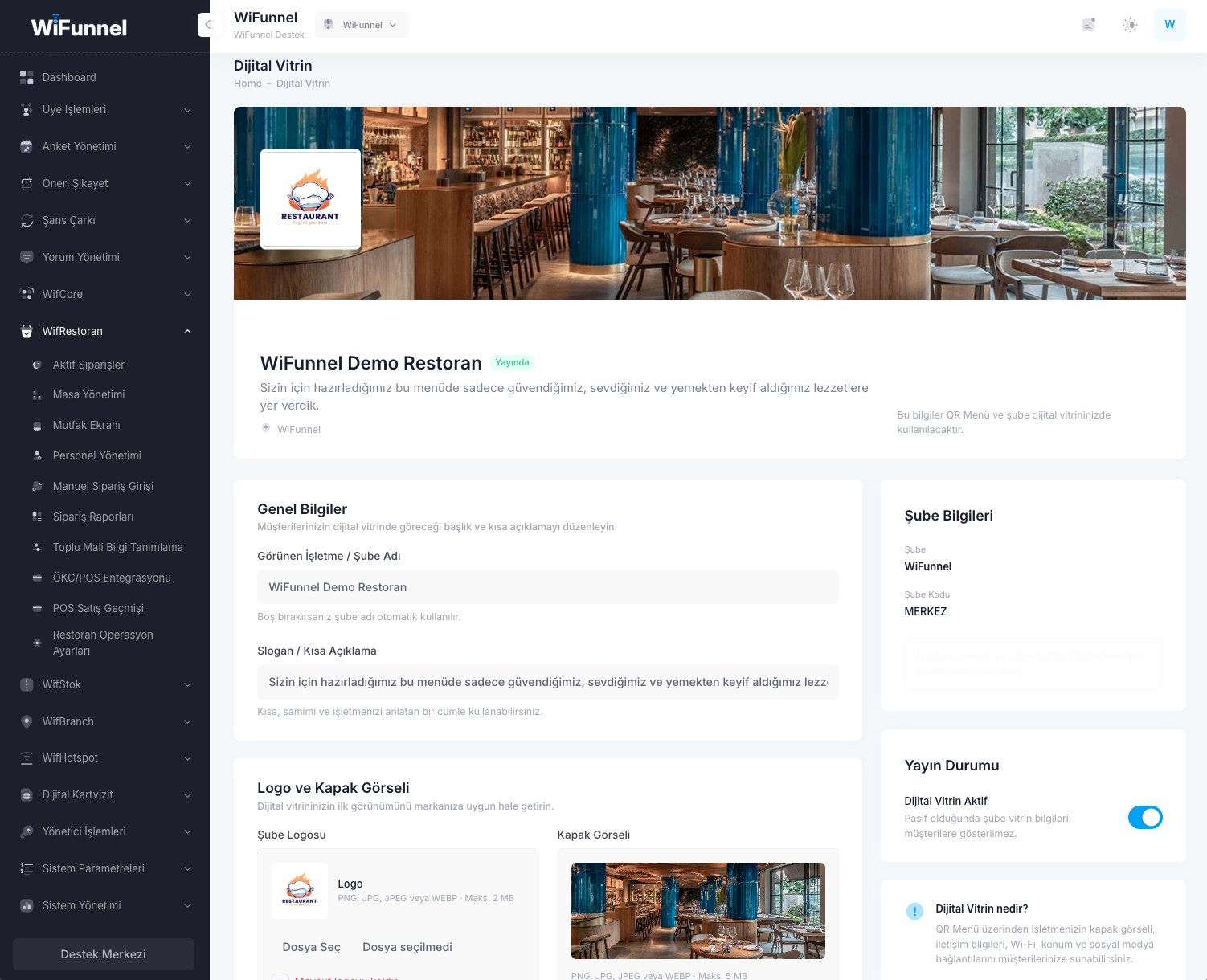
Complete the sections that describe your business without any technical knowledge and manage the experience your customers will see.
Set the business name customers will see and the short introduction that welcomes them.
Add your logo and cover image to make the showcase unmistakably yours.
Place your location, contact details and social media links where customers can reach them easily.
Publish your menu and digital showcase from one dashboard whenever you are ready.
Show your business's character from the first screen with your logo, cover image and a short introduction.
Bring your location, contact details and social media links together where customers can reach them easily.
Update categories, products, descriptions and prices directly from the dashboard.
Present your menu on a subdomain bearing your business name, such as cafehayal.wifunnel.com. Keep managing your existing menu while customers reach it through an address that reflects your brand.
Good coffee. A lovely break.
Choose an available wifunnel.com subdomain that suits your business.
Manage your address in the dashboard and select it as the primary address for your QR links.
Generate your menu and related QR codes with the new address and share them with customers.
Your chosen name must be available and meet the usage rules. White Label creates an address in the form yourname.wifunnel.com.
Printed QR codes still contain the old address. Generate and share new QR codes to use your new address. Keep the old address active until the transition is complete.
Open four different styles without signing in, browse categories and explore product details.
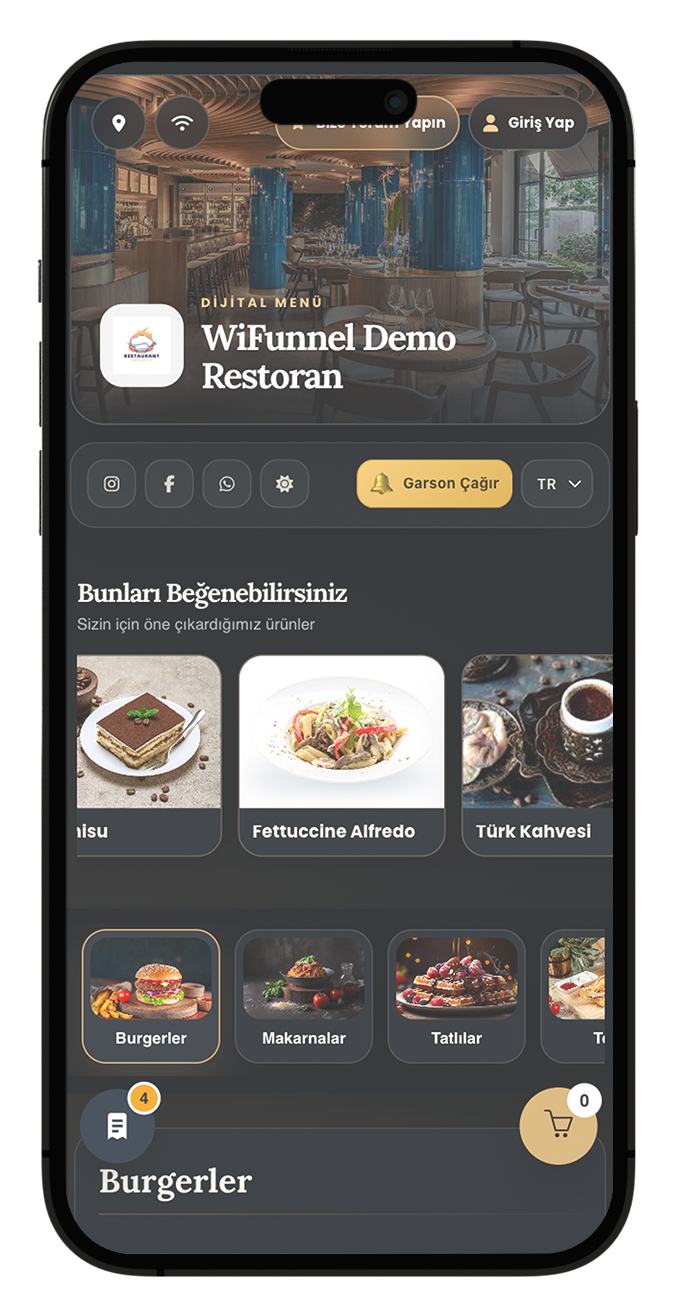 TIMELESS
Classic, calm and full of character.
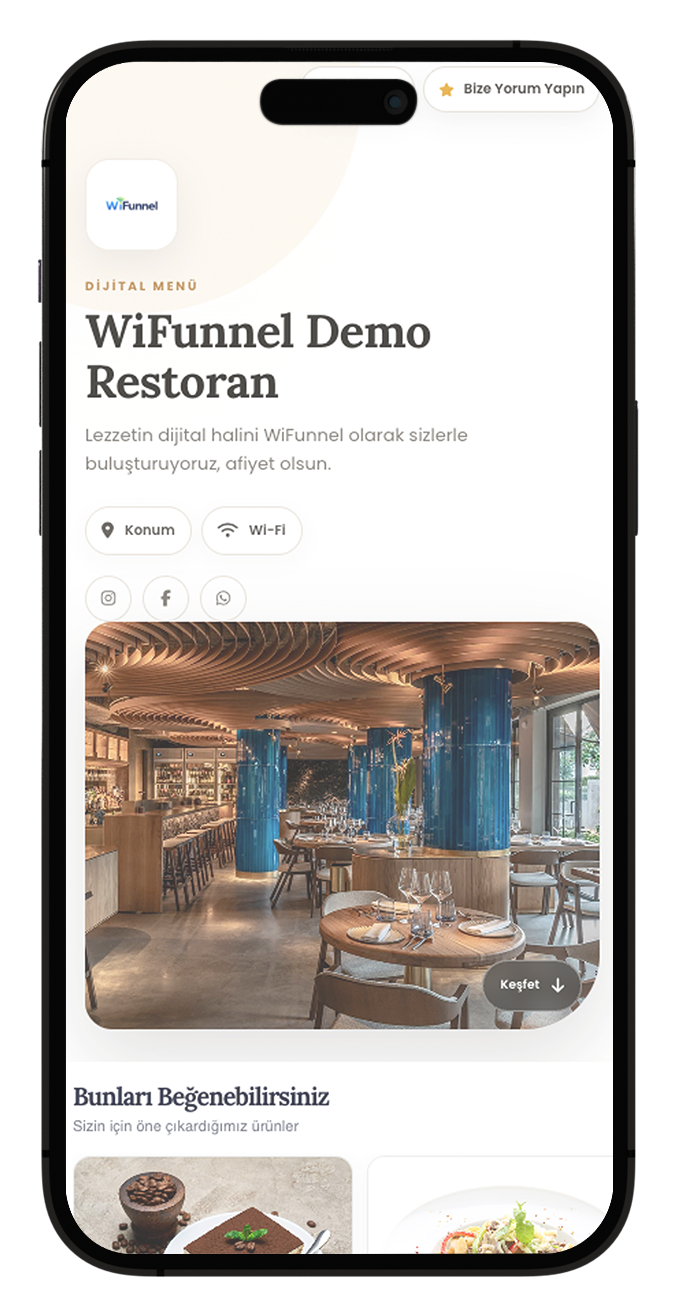 MINIMAL
A bright and effortless menu experience.
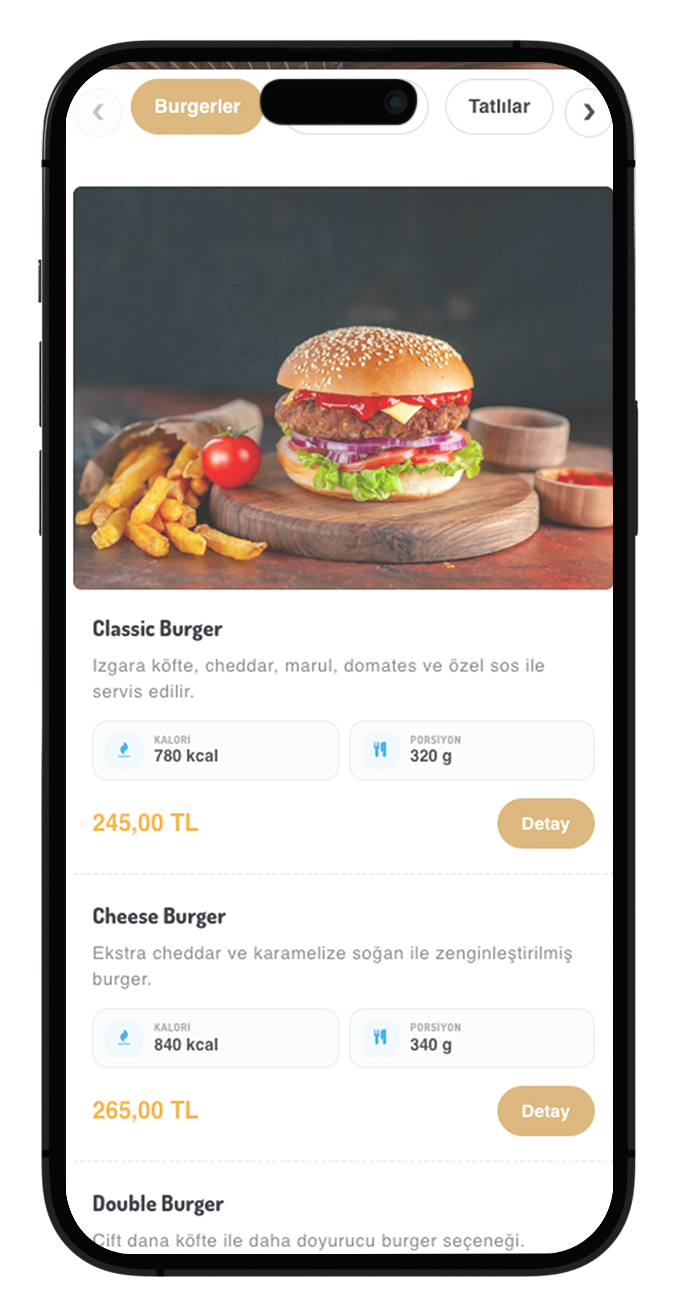 ORGANISED
Every flavour in its place.
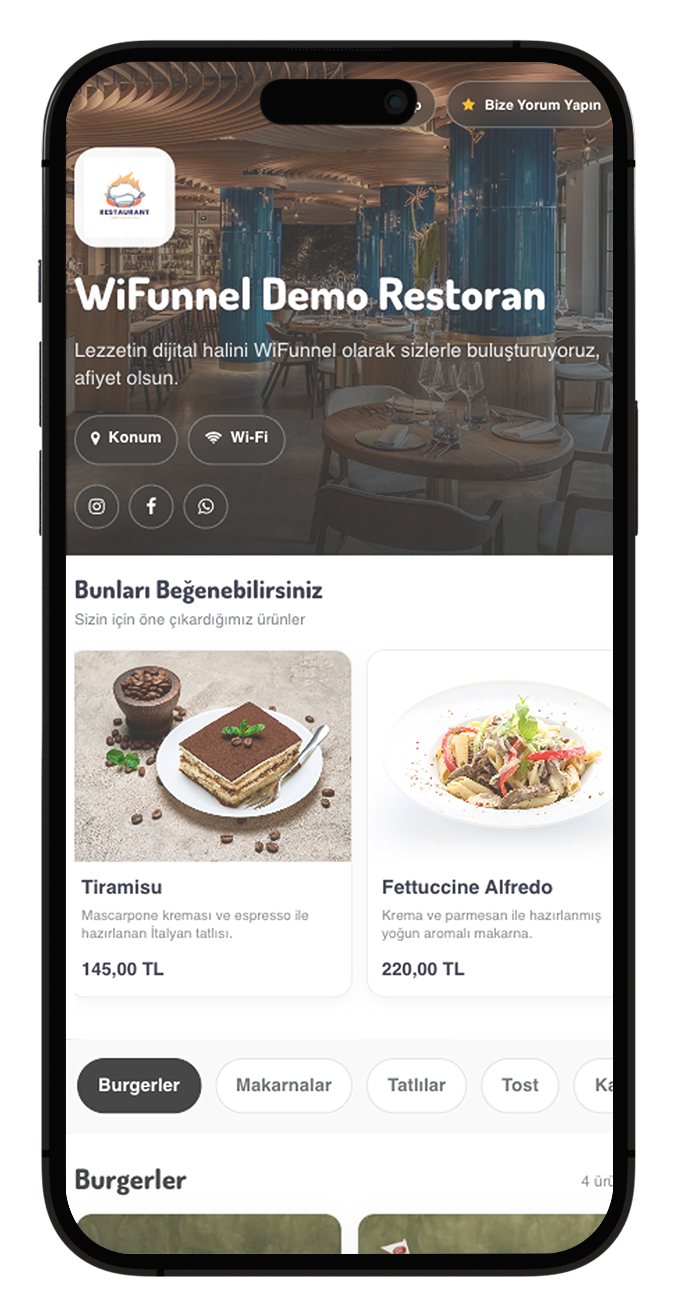 SHOWCASE
Put your dishes in the spotlight.
Present your products with QR Menu and Digital Showcase. Expand ordering with WifRestoran and customer relationships with WifCore—all within one product family.
Explore WifRestoran ↗Enter your business details and create your account. Your demo plan is activated automatically so you can start using WiFunnel right away.